Authorization and acceptable use
Only scan assets you own or are explicitly authorized to test.
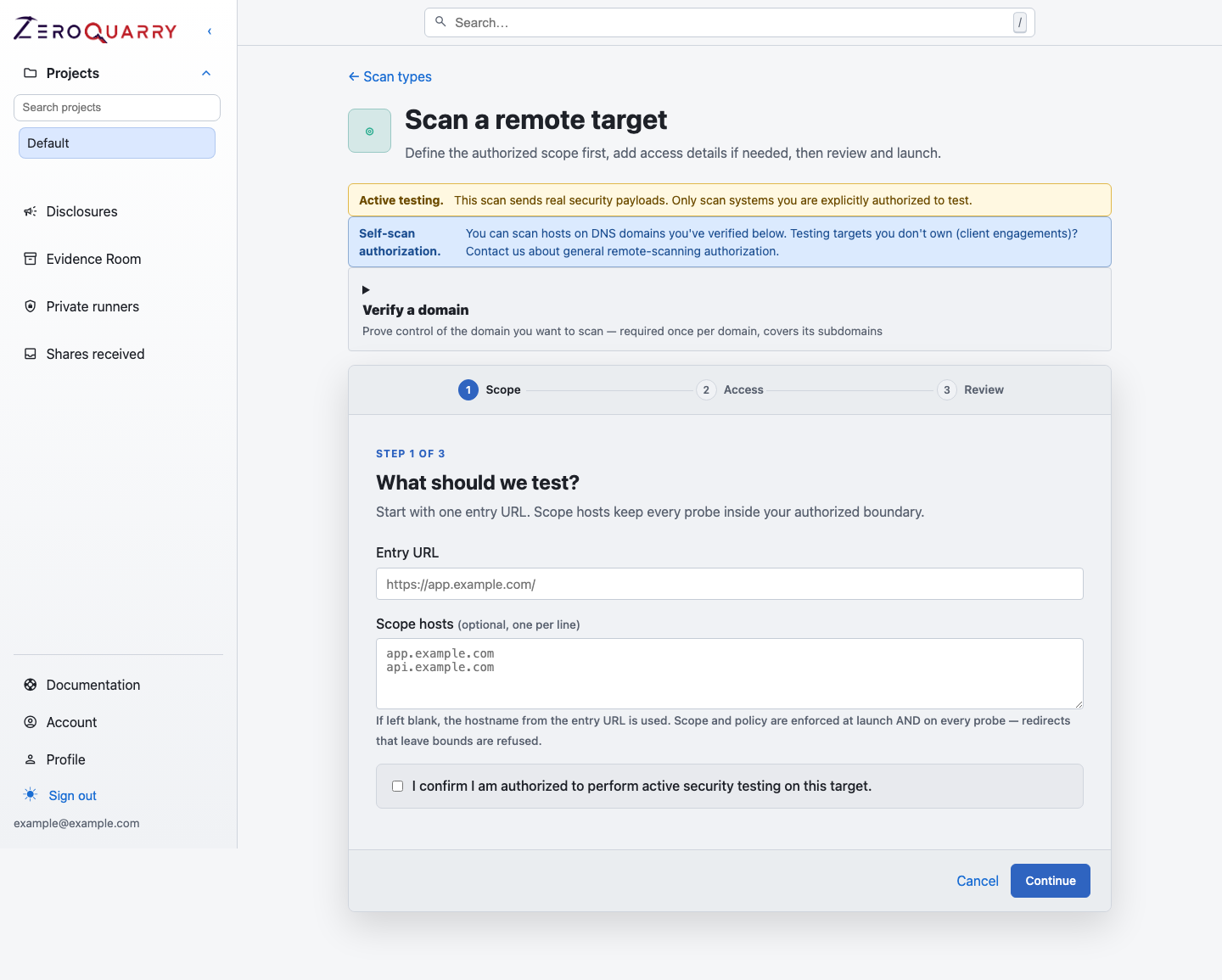
The remote scan form makes authorization concrete by tying entry URL, scope hosts, researcher headers, and confirmation into the same launch surface.
Source and binary scans
Upload or connect source code and binary artifacts only when you have permission to process them in ZeroQuarry and with the configured LLM provider.
This matters for:
- customer source code
- proprietary firmware or mobile apps
- third-party SDKs or vendor packages
- repositories containing regulated data
- archives that may contain secrets
Remote scans
Remote scans are active security tests. They send real HTTP requests and payloads to the target.
Before starting a remote scan, confirm:
- the target is owned by you or in an authorized program
- the entry URL is correct
- every scope host is approved
- required researcher headers are configured
- credentials are approved for testing
- production safety constraints are documented in the notes
ZeroQuarry refuses to queue a remote scan unless the authorization checkbox is confirmed.
Remote scans may also cause your target to contact ZeroQuarry-operated
callback domains — bin.zeroquarry.com and oob.zeroquarry.com — which are
used to confirm vulnerabilities that give no visible response. Tell your
security team to expect this traffic; see
Scan infrastructure domains.
Bug bounty programs
For bug bounty or coordinated disclosure targets:
- read the program policy before scanning
- configure required identifying headers
- limit scope hosts to the program's in-scope assets
- avoid destructive payloads or denial-of-service behavior
- record program constraints in scan notes
The HackerOne eligibility review can help label issues, but it does not replace the program policy.