Jira, ServiceNow, and GitHub Issues
Finding decisions should become work in the system the engineering or IT team already operates. ZeroQuarry can prefill GitHub Issues, deep-link into Jira, or create Jira and ServiceNow records through configured APIs.
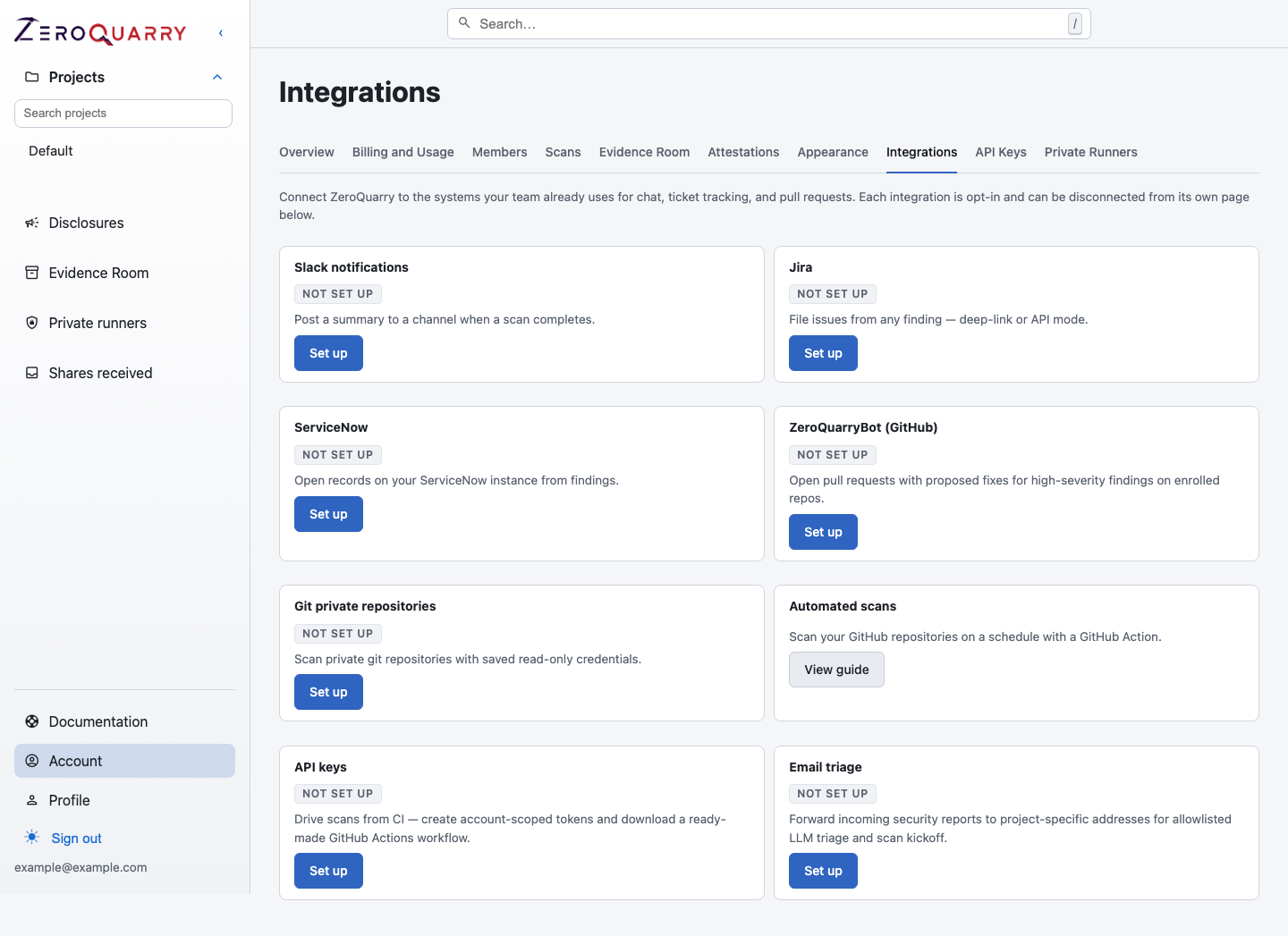
The integration hub shows which handoff and automation paths are configured for the account.
Choose an integration mode
| Destination | Mode | Credentials stored by ZeroQuarry | Result |
|---|---|---|---|
| GitHub Issues | Prefilled link | No additional issue credential | Opens the target repository's new-issue form |
| Jira | Deep link | Base URL only | Opens Jira's create form with summary and description |
| Jira | API | Jira URL, email, API token, and default project key | Creates the issue and records the result on the finding |
| ServiceNow | API | Instance URL, username, password/token, and default table | Creates a record and records the result on the finding |
Availability depends on the account tier and on whether the finding's source target identifies a suitable repository.
Configure Jira
- Open Account > Integrations > Jira.
- Save the Jira base URL. This enables the credential-free deep-link mode.
- If your tier permits API creation, add the API identity, token, and default project key.
- Open a finding and use its action to create or open the Jira issue.
The deep-link mode leaves project and issue-type selection to the operator. API mode creates directly in the configured project and retains an audit record of the created issue.
Configure ServiceNow
- Open Account > Integrations > ServiceNow.
- Save the instance URL.
- Add the API username, secret, and default table such as
incident. - Open a finding and create the record.
ServiceNow does not have a credential-free mode in ZeroQuarry.
Use GitHub Issues without another credential
For findings from a recognizable GitHub target, ZeroQuarry can open a prefilled new-issue URL. Your browser session handles GitHub authentication, and you can review or edit the issue before submitting it.
What is handed off
The prefilled content includes the finding title, severity, vulnerability type, source, description, and a link back to the full finding. Long fields are truncated so the destination URL or API request remains practical.
Before filing:
- validate the finding
- remove secrets and irrelevant evidence
- select the real owner and service
- define the expected remediation and retest condition
- keep the ZeroQuarry finding lifecycle in sync with the engineering outcome
The current integrations create or prefill work; they do not treat the remote ticket's status as the source of truth for the ZeroQuarry finding state.