The triage centre
The triage centre is where inbound work waits for a decision. Everything the agent might act on arrives here with its proposal and reasoning in the open, and a human decides whether it runs.
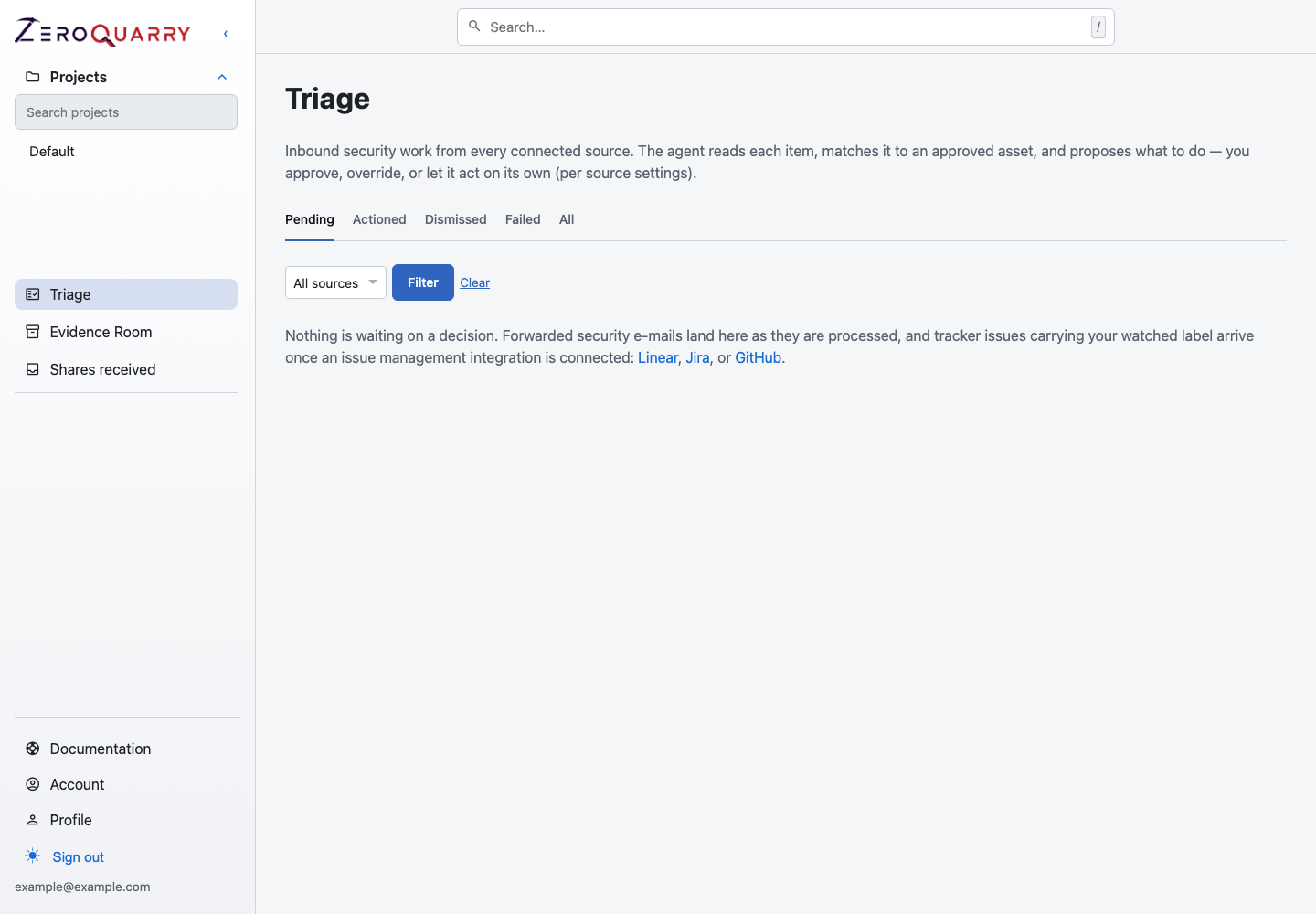
One queue, several sources. The proposal shows its reasoning before anything happens.
What lands here
| Source | Arrives as |
|---|---|
| A forwarded security report matched to an approved target | |
| Linear | A labeled issue from your engineering tracker |
| Jira | A labeled issue from your tracker |
| GitHub | A labeled issue from your tracker |
| Manual | Something you added yourself |
Email and tracker intake used to be separate workflows with separate review surfaces. They are one queue now, because the decision is the same in both cases: should this become a scan, and if so of what?
Each request carries its own lifecycle state:
| State | Meaning |
|---|---|
| New | Recorded, not yet through the agent's decision step |
| Awaiting approval | The agent has proposed something; a human decides |
| Actioned | Approved and executed |
| Dismissed | Declined, with the reason recorded |
| Failed | Approved, and the execution did not succeed |
Approval is the loop
Approving runs the exact proposal shown on the page. The executor re-checks tier and project-profile gates at run time, so a proposal that was valid when it was made cannot queue a scan the account is no longer entitled to run.
Only a request awaiting approval can be approved, and only a proposal to scan can be approved — a request the agent could not turn into a concrete action has to be dismissed instead. Every decision is recorded against the person who made it, so the audit trail names a human rather than a system.
If execution fails, the request records the error rather than disappearing. A failed proposal is a thing you need to see, not a thing to retry silently.
Why a human is in the loop
The agent proposes; it does not act. That is the default for every source, not a per-account setting you can relax.
The reason is straightforward. An inbound report or a labeled issue is a claim from outside the assessment, and acting on it means sending traffic at a target. Auto-approving that would let anyone who can email you, or comment on an issue, decide what your scanner attacks.
The gate
The triage centre needs two things:
- the account tier's
allow_triage_centerflag - the account's sidebar preference
Both are enforced server-side. The sidebar check only hides the link; the route refuses the request regardless. An Open Source account, which is scoped to scanning an open source repository, does not have the triage centre — its contract is a repository, not an inbound queue.
Enabling any issue-tracker integration turns the queue on. Before Linear existed this was Linear-only, which meant accounts without Linear had nowhere to review inbound work. Now the queue follows the integrations you actually have.
Configuration
| Need | Where |
|---|---|
| Incoming addresses and sender allowlist | Email triage |
| Tracker connection and the watched label | Issue trackers |
| Which projects may be proposed into | Each project's profile and approved assets |
Target boundaries still come from the project. A proposal that resolves outside the project's approved assets or remote-scan policy is refused at approval time, the same gate that applies to a scan you start yourself.
Next
- Email triage — inbound addresses and allowlists.
- Issue trackers — the labelled-issue ladder that feeds this queue.