Release security review
A release security review asks a practical question: is this version safe enough to ship, and what must be fixed before it leaves your control?
ZeroQuarry can support that decision by combining source, binary, and sometimes remote evidence into one project history.
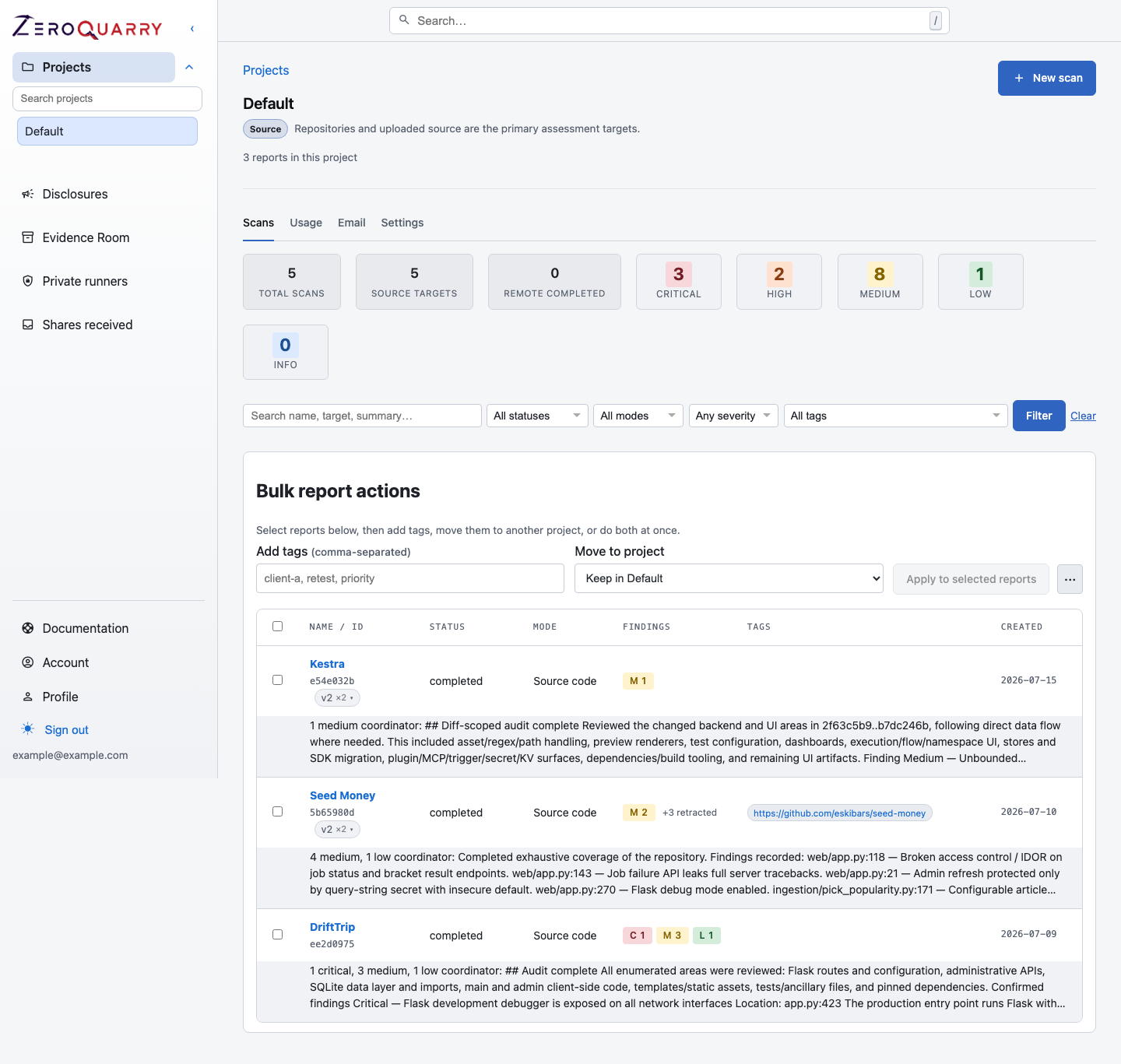
Release review works best when source, binary, and remote evidence all live in the same project history instead of being scattered across one-off scans.
When to use this workflow
Use this workflow for:
- major product releases
- mobile app or firmware release candidates
- security-sensitive backend changes
- new authentication, billing, or tenant-management features
- customer-facing deployments that need a review artifact
Avoid treating every release scan as a full red-team exercise. A good release review is scoped, repeatable, and tied to the version you intend to ship.
Recommended project layout
Create or reuse a project for the product, then tag release scans consistently:
| Tag | Example | Why it helps |
|---|---|---|
| Version | v2.8.0-rc1 | Finds the exact release candidate later. |
| Asset type | source, android, firmware, api | Separates evidence by target shape. |
| Environment | staging, prod-like, release | Clarifies where remote evidence came from. |
| Workflow | release-gate | Makes release review scans easy to filter. |
Step 1: Scan the source baseline
Start with a source scan of the release branch or tag. Use notes that identify what changed and what would be most damaging if wrong.
Example notes:
Release candidate for v2.8.0. Focus on the new organization role model,
project sharing, and billing entitlement checks. Treat cross-tenant data access
as critical.
Review the completed report for:
- high and critical findings
- findings in changed subsystems
- coverage notes that show the scanner explored important areas
- weak evidence that needs a narrower follow-up scan
Read next: Source code scans.
Step 2: Scan the shipped artifact
If the release produces an APK, firmware image, installer, JAR, or archive, scan that artifact too. Source code answers what developers intended to ship; binary scanning answers what actually ships.
Look for:
- embedded credentials or test endpoints
- mobile permissions, exported components, and deep links
- unsigned or weakly verified update paths
- bundled vulnerable dependencies
- configuration differences from the source scan
Read next: Compiled artifact scans.
Step 3: Probe staging if runtime behavior matters
Use a remote scan when the risk depends on deployed behavior: route access, session cookies, redirects, gateway headers, CORS, SSRF reachability, or API authorization.
Keep the remote scan bounded:
- use staging or a production-like test environment
- include only approved scope hosts
- use test accounts with realistic roles
- document rate limits and fragile endpoints in notes
Read next: Remote target scans.
Step 4: Challenge and filter findings
Before a release decision, separate "interesting" from "actionable."
Use Confidence and review to decide:
- which findings need manual validation
- which findings should be challenged by independent adversarial review
- whether low-confidence findings should be excluded from release exports
- whether recurring fingerprints indicate a regression
For a high-risk release, adversarial review is usually worth the extra LLM usage. It gives you a skeptical pass that is closer to how a vendor, engineer, or program triager will read the finding.
Step 5: Hand off remediation
For each release-blocking finding:
- Open the finding detail.
- Confirm the source, route, or artifact evidence.
- Use finding chat to ask for a shorter engineering summary if needed.
- Generate a patch when source is available and the account tier allows it.
- Export either the whole report or the individual finding.
Read next: Triage to remediation.
Step 6: Preserve the release record
Export the reviewed report after you make the release decision. Include:
- summary
- targets
- findings above the agreed confidence threshold
- coverage notes for important areas
- report chat when it explains decisions
The export becomes the durable record of what was reviewed, what was accepted, and what remained as follow-up risk.
For releases with a formal approval gate, designate the report as issued evidence before archiving the milestone. The snapshot freezes the reviewed finding set, and any post-release fix check can be published as a verification test against that baseline.