Continuous CI scanning
Continuous scanning is for catching security regressions while the change is still small enough to understand.
The goal is not to run a full assessment on every commit. The goal is to create a steady signal around risky changes, then escalate to deeper review when the signal warrants it.
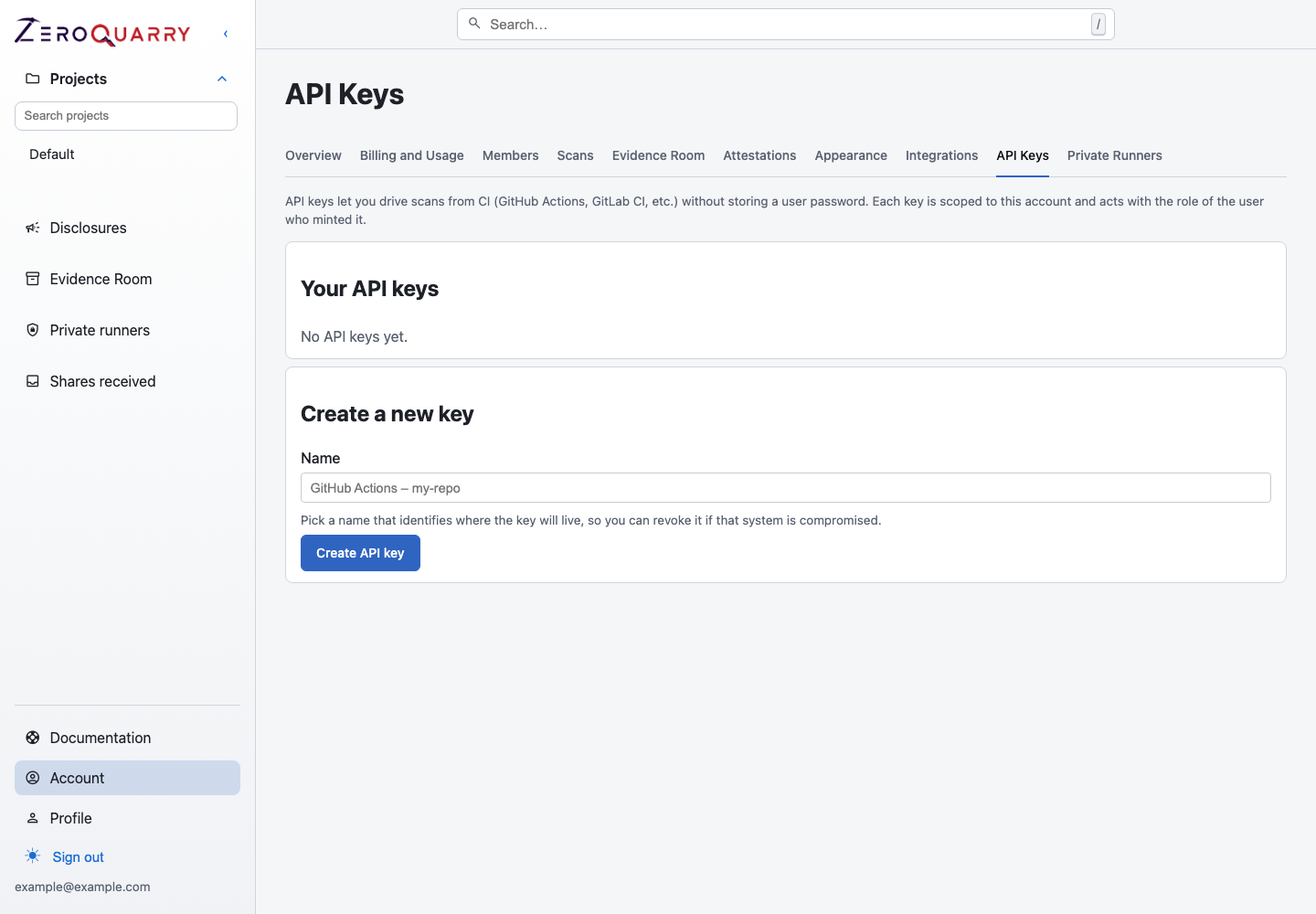
CI workflows usually start with a dedicated API key so the repository can trigger scans without reusing a personal console session.
What CI is good at
Use CI-triggered source scans for:
- pull requests that touch authentication, authorization, billing, file upload, webhook, parser, or networking code
- main-branch regression checks
- nightly or weekly scans of high-risk repositories
- security review on release branches
Use manual scans instead when the input includes uploaded artifacts, credentials that should not live in CI, or remote targets with special authorization rules.
Use a scheduled rescan when you want a security cadence independent of CI. The scheduler checks whether the repository commit changed and records a no-change skip instead of scanning identical source.
Recommended architecture
- Create a ZeroQuarry project per repository or service.
- Mint a ZeroQuarry API key for CI.
- Store the key as a CI secret.
- Trigger source scans with
auto_delta: true. - Poll for completion only when you need to gate the pipeline.
- Link the ZeroQuarry report from CI output.
With auto_delta, the first scan establishes a baseline. Later scans for the
same Git URL set can focus on changed files and nearby data flow.
If an identical Git scan is already in progress, the API can suppress the duplicate dispatch and return the existing scan ID. CI should treat that as a successful dispatch and follow the returned scan.
Read next: GitHub Actions.
Choose a gating policy
Not every team should block on the same threshold.
| Team maturity | Suggested behavior |
|---|---|
| New rollout | Do not block. Post report links and learn the finding profile. |
| Stabilizing | Fail only on critical findings with high confidence. |
| Mature | Fail on critical or high findings above the agreed confidence threshold. |
| Regulated release branch | Require a reviewed export before promotion. |
If a strict gate creates too much noise, do not disable CI scanning. Lower the gate, add better notes, or run it on fewer branches.
Write CI-specific scan notes
CI notes should help the scanner understand the change boundary:
CI scan for this branch. Prioritize changed files and data flow into authz,
tenant selection, file upload, webhook handling, and outbound HTTP calls.
For a pull request that changes a specific subsystem:
This PR changes invite acceptance and role assignment. Focus on privilege
escalation, replay, token lifetime, and cross-organization membership.
Route results to the right people
Use account notifications intentionally:
- Slack summaries work well for shared security channels.
- Email works well for long-running scans or release branches.
- Report exports work better than raw CI logs for security review meetings.
Read next: Notifications and team settings.
Do not let CI failure become the only remediation record. Validate the result, record its lifecycle state, and file accepted work into Jira, ServiceNow, or GitHub Issues.
Handle private repositories
For private Git URLs, configure Git credentials in ZeroQuarry and pass the credential ID in the scan request. Keep those credentials read-only and scoped to the smallest set of repositories that CI needs.
Read next: Private repositories.
Escalate from CI to deeper review
Use CI as a tripwire. Escalate when:
- a finding touches authentication, authorization, payment, tenant boundaries, secrets, or remote code execution
- the same fingerprint recurs across versions
- a finding is high impact but low confidence
- a change introduces new externally reachable behavior
The next step is usually a focused source rescan, then either adversarial review or a remote scan of staging.
For repositories with stable ownership and strong branch protections, you can
also connect Auto-fix pull requests so accepted findings
arrive as reviewable code changes. Exclude zeroquarry/fix/** branches from the
scan trigger to avoid feedback loops.